CBA | Secure international payments
I designed key parts of a cross-border payments experience for the CommBank app, focusing on how to help customers send money overseas with more confidence by improving contextual guidance, transfer continuity, sharing behaviour, and transitions between native and web-based flows.
My role focused on shaping the experience flow, identifying gaps, and designing the core interactions across the journey. I worked closely with product managers, a product owner, and design peers, whilst owning the design thinking, flow logic, and concepts presented here.
Connect to Content
Add layers or components to make infinite auto-playing slideshows.
About
Organisation: Commonwealth Bank of Australia
Role: User Experience Designer
Skills: UX Design, Interaction Design, Journey Mapping, Prototyping, UX Writing, Critique Facilitation, Stakeholder Collaboration
Timeline: ~1 month
Identifying the problem
Identifying the problem
“How might we reduce uncertainty in overseas money transfers so customers feel confident throughout the journey?”
CommBank operated within one of Australia’s most mature digital banking ecosystems, with an app recognised by Canstar as 2025’s “Bank of the Year - Digital Banking” for the 16th consecutive year. That set a high bar for any new in-app experience to feel polished, trustworthy, and consistent with customer expectations.
Overseas money transfers are high-trust, high-stakes tasks. Customers are often making decisions under time pressure, with real financial consequences, and care most about exchange rates, fees, and transfer speed.
For CommBank, the challenge was also competitive. Specialist providers were often perceived as cheaper, faster, and more flexible, creating a strong incentive for customers to leave the bank’s ecosystem.
Internally, the experience was fragmented. An older International Money Transfer flow existed alongside a newer Cross Border Payments direction, with different pathways leading customers through either native or web-based journeys.
“How might we reduce uncertainty in overseas money transfers so customers feel confident throughout the journey?”
CommBank operated within one of Australia’s most mature digital banking ecosystems, with an app recognised by Canstar as 2025’s “Bank of the Year - Digital Banking” for the 16th consecutive year. That set a high bar for any new in-app experience to feel polished, trustworthy, and consistent with customer expectations.
Overseas money transfers are high-trust, high-stakes tasks. Customers are often making decisions under time pressure, with real financial consequences, and care most about exchange rates, fees, and transfer speed.
For CommBank, the challenge was also competitive. Specialist providers were often perceived as cheaper, faster, and more flexible, creating a strong incentive for customers to leave the bank’s ecosystem.
Internally, the experience was fragmented. An older International Money Transfer flow existed alongside a newer Cross Border Payments direction, with different pathways leading customers through either native or web-based journeys.
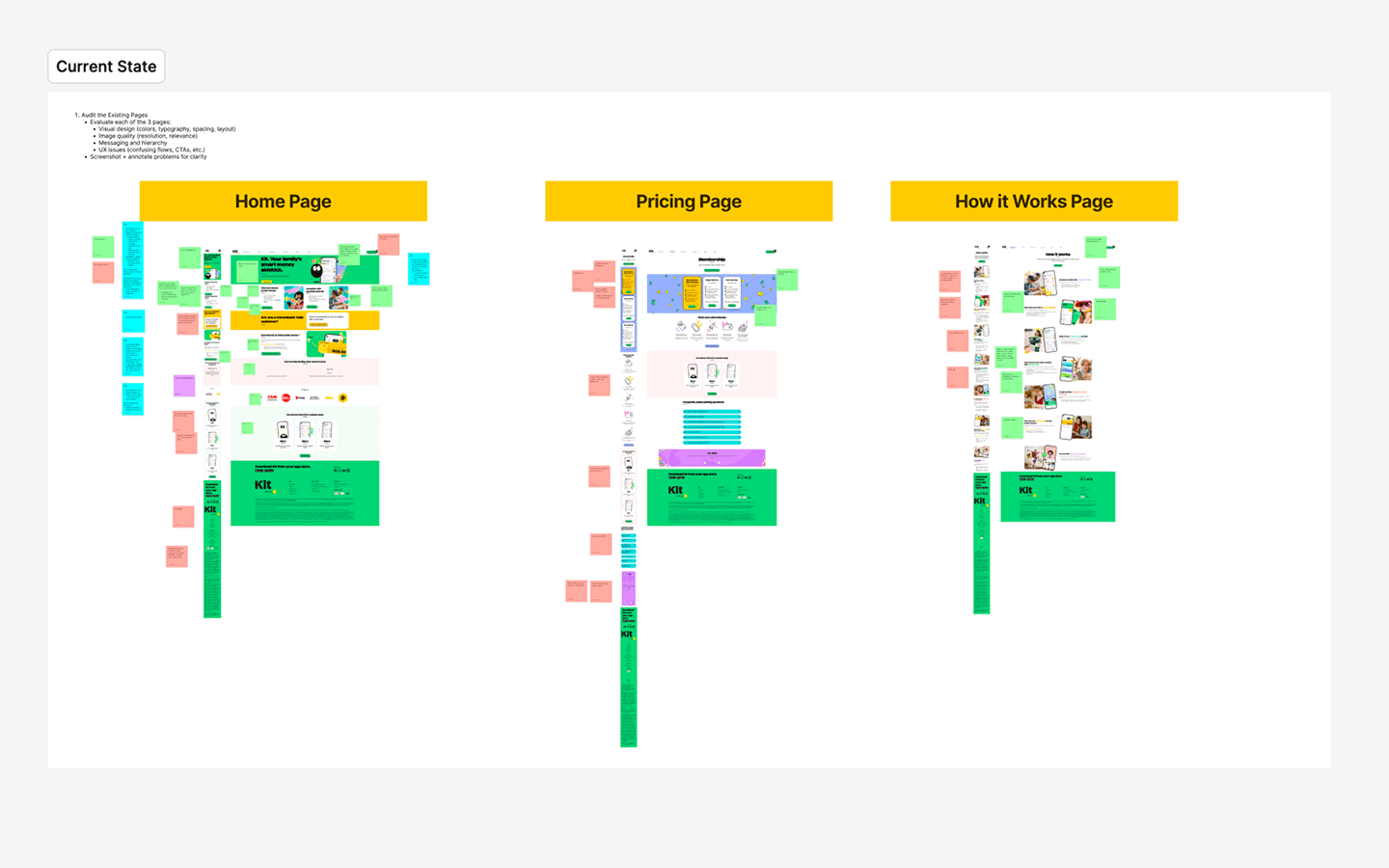
What we knew going in
What we knew going in
To understand the current experience, I drew on existing analytics, prior design explorations, competitor and comparator research, and internal feedback to identify the highest-impact areas for improvement. I also ran lightweight guerrilla testing with mobile and desktop users to capture quick feedback on first impressions and usability.
A few things stood out:
the website experience lacked stronger visual consistency
mobile responsiveness and content hierarchy needed more attention
accessibility and SEO foundations, such as alt text and metadata, had room for improvement
the existing experience was functional, but there was an opportunity to make it easier to scan, more polished, and more aligned with current branding
This led to a working hypothesis. If we improved usability, visual consistency, accessibility, navigation clarity, and brand alignment across key pages, we would create a more effective and engaging experience for prospective users to convert.
To understand the current experience, I drew on existing analytics, prior design explorations, competitor and comparator research, and internal feedback to identify the highest-impact areas for improvement. I also ran lightweight guerrilla testing with mobile and desktop users to capture quick feedback on first impressions and usability.
A few things stood out:
the website experience lacked stronger visual consistency
mobile responsiveness and content hierarchy needed more attention
accessibility and SEO foundations, such as alt text and metadata, had room for improvement
the existing experience was functional, but there was an opportunity to make it easier to scan, more polished, and more aligned with current branding
This led to a working hypothesis. If we improved usability, visual consistency, accessibility, navigation clarity, and brand alignment across key pages, we would create a more effective and engaging experience for prospective users to convert.
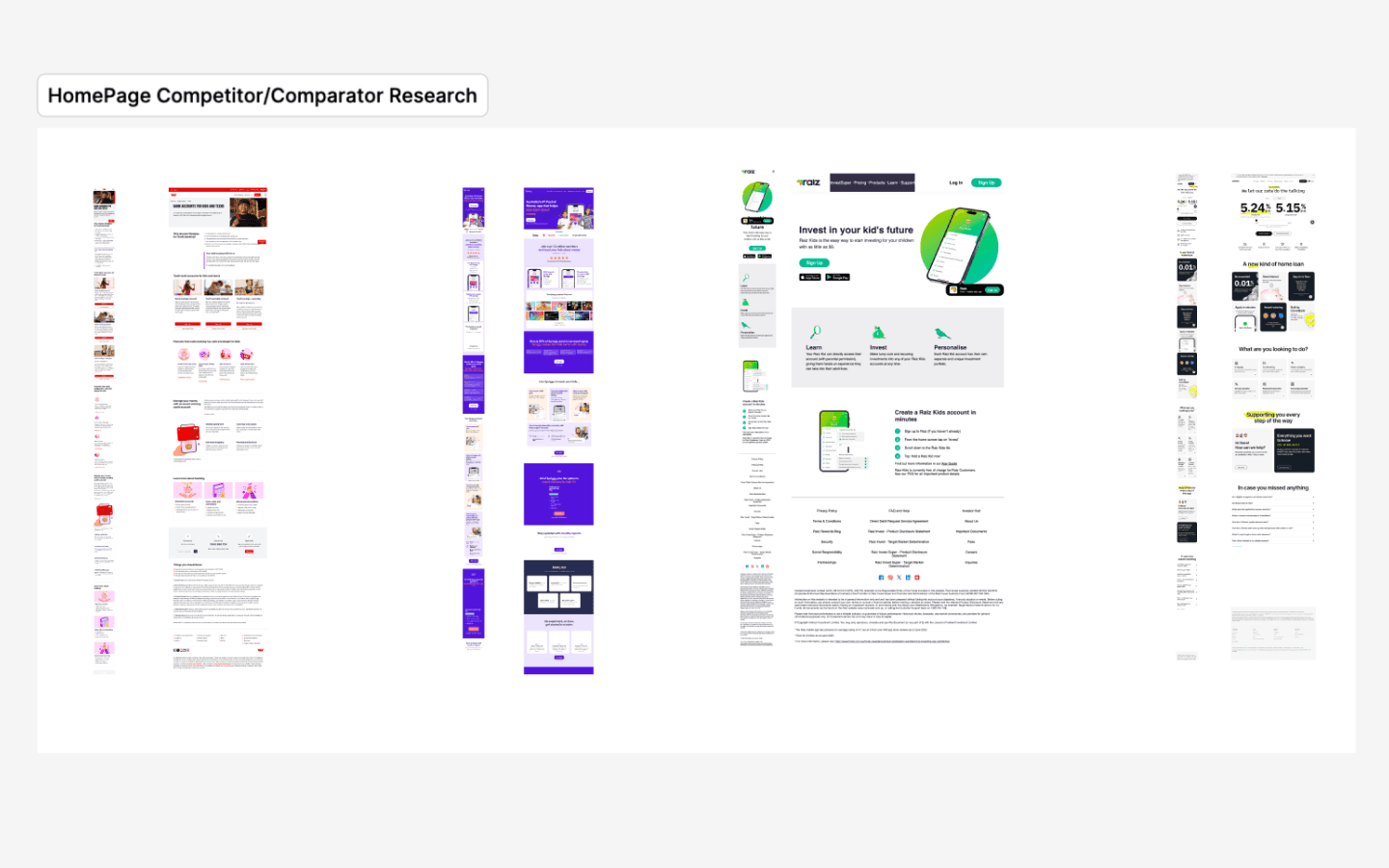
Design approach
Design approach
Focusing on improvements that were both user-facing and feasible to implement quickly. There were five key areas:
1. Improve visual clarity
I refined typography, button hierarchy, and section presentation so the pages felt easier to scan and more consistent. By creating a foundational style guide, this replaced an overwhelming structure with clearer visual hierarchy.
Focusing on improvements that were both user-facing and feasible to implement quickly. There were five key areas:
1. Improve visual clarity
I refined typography, button hierarchy, and section presentation so the pages felt easier to scan and more consistent. By creating a foundational style guide, this replaced an overwhelming structure with clearer visual hierarchy.
Connect to Content
Add layers or components to make infinite auto-playing slideshows.
2. Strengthen mobile responsiveness
A major focus was improving the mobile experience within HubSpot’s layout limitations, using the platform’s existing capabilities to create a more tailored experience.
2. Strengthen mobile responsiveness
A major focus was improving the mobile experience within HubSpot’s layout limitations, using the platform’s existing capabilities to create a more tailored experience.
Connect to Content
Add layers or components to make infinite auto-playing slideshows.
3. Update the site to match current branding
I incorporated updated campaign messaging, refreshed brand assets, improved photography, and higher-quality product imagery to better reflect Kit’s latest direction and ensure greater continuity across brand personas.
3. Update the site to match current branding
I incorporated updated campaign messaging, refreshed brand assets, improved photography, and higher-quality product imagery to better reflect Kit’s latest direction and ensure greater continuity across brand personas.
Connect to Content
Add layers or components to make infinite auto-playing slideshows.
4. Remove small usability friction points
I improved navigation behaviour, adjusted CTA timing to reduce disruption, and refined page interactions to make key actions easier to find and complete. Accessibility was also considered, including improved colour contrast to support WCAG guidelines and the removal of unnecessary motion effects.
4. Remove small usability friction points
I improved navigation behaviour, adjusted CTA timing to reduce disruption, and refined page interactions to make key actions easier to find and complete. Accessibility was also considered, including improved colour contrast to support WCAG guidelines and the removal of unnecessary motion effects.
5. Uplift accessibility and SEO basics
I improved accessibility and discoverability through updates to alt text, metadata, and other content-level details. In parallel, I supported the onboarding of new tools to better understand user behaviour and identify conversion opportunities and friction points for upcoming work.
5. Uplift accessibility and SEO basics
I improved accessibility and discoverability through updates to alt text, metadata, and other content-level details. In parallel, I supported the onboarding of new tools to better understand user behaviour and identify conversion opportunities and friction points for upcoming work.
Connect to Content
Add layers or components to make infinite auto-playing slideshows.
Collaboration
Collaboration
This project sat at the intersection of design and marketing, so close collaboration was essential.
I worked across:
UX and marketing feedback
content and copy reviews
visual asset updates
stakeholder reviews and approvals
aligning brand creative with a supporting visual designer
implementation within HubSpot
QA testing
This meant balancing brand goals, practical constraints, and user experience improvements within a relatively short timeframe. A key component of this uplift was creating a durable foundation of tools, templates, and patterns to support future updates more efficiently.
This project sat at the intersection of design and marketing, so close collaboration was essential.
I worked across:
UX and marketing feedback
content and copy reviews
visual asset updates
stakeholder reviews and approvals
aligning brand creative with a supporting visual designer
implementation within HubSpot
QA testing
This meant balancing brand goals, practical constraints, and user experience improvements within a relatively short timeframe. A key component of this uplift was creating a durable foundation of tools, templates, and patterns to support future updates more efficiently.
Results
Results
Increased homepage conversion rate from 3.3% to 8.7% (a 164% increase)
Reduced homepage bounce rate from 21% to 8% (a 62% decrease)
Increased average views per session from 1.9 to 2.2 (a 16% increase)
Reduced overall site bounce rate from 17.43% to 9.24% (a 47% decrease)
Note: to reduce the impact of seasonality and campaign traffic, results were compared using BAU periods before and after the uplift.
Reflecting on this design uplift, one of my key takeaways was that constraints can play an important role in shaping design strategy. Working within HubSpot meant prioritising improvements that were practical and achievable, rather than idealised. It also reinforced the value of using available data to guide prioritisation when research is limited. As a result, validating underlying assumptions through user research and implementing behavioural tools like Hotjar became an important next step in future projects.
Increased homepage conversion rate from 3.3% to 8.7% (a 164% increase)
Reduced homepage bounce rate from 21% to 8% (a 62% decrease)
Increased average views per session from 1.9 to 2.2 (a 16% increase)
Reduced overall site bounce rate from 17.43% to 9.24% (a 47% decrease)
Note: to reduce the impact of seasonality and campaign traffic, results were compared using BAU periods before and after the uplift.
Reflecting on this design uplift, one of my key takeaways was that constraints can play an important role in shaping design strategy. Working within HubSpot meant prioritising improvements that were practical and achievable, rather than idealised. It also reinforced the value of using available data to guide prioritisation when research is limited. As a result, validating underlying assumptions through user research and implementing behavioural tools like Hotjar became an important next step in future projects.
Read more work